
Take my uploaded photo and turn it into an ultra-realistic portrait of me. My face, hair and skin tone remain exactly as in the photo — my face is left completely untouched. I stand in a beautiful old city street at golden hour, historic brick buildings and wooden balconies behind me, warm evening light on my face, smiling with gentle confidence at the camera. I wear a smart white kurta with a neat waistcoat. The background melts into warm golden bokeh, my face stays tack-sharp, the finish looks like a real DSLR shot, tones rich and full of heritage, tall 3:4 portrait, ultra HD 4K quality.
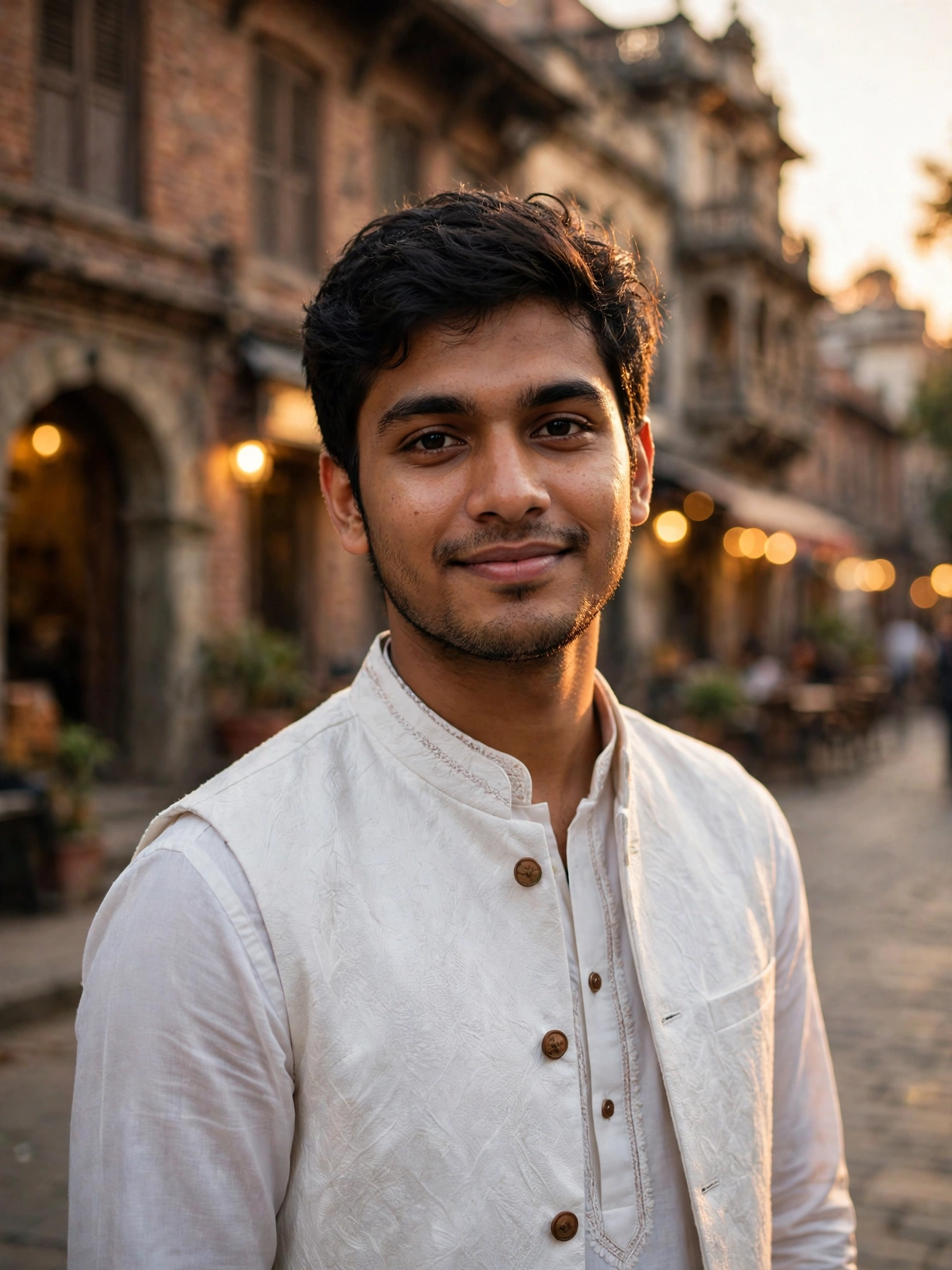
Old city streets have a character that new streets can never copy. Warm brick walls, wooden balconies, narrow lanes and golden evening light — every corner looks like a story from another time. A portrait in such a street feels classic, confident and full of heritage.
The prompt below builds that exact old-city moment around one photo of you. A smart white kurta with a neat waistcoat, historic brick buildings behind you, warm evening light on your face. You stay you throughout — the street, the outfit and the light are the only things that change. No old city trip, no heritage walk needed — just the picture.
Getting Your Photo
Open ChatGPT or Gemini on your phone and choose a clear photo of yourself to upload. Your whole face should show clearly in good light, with no shades on and nobody else in the frame. Send the prompt above together with your photo, then wait a few seconds while the AI paints the portrait. Save the finished photo at the best quality and share it wherever you wish. When the face does not look like yours, use a clearer and closer photo — a bright daylight photo gives the most natural result.
Why the Scene Works
The old city street gives this portrait its soul. Historic brick walls and wooden balconies behind you frame the photo naturally and carry a sense of heritage, while the soft golden blur makes your confident smile shine. That warm old-world glow is why heritage portraits feel so timeless and proud.
Golden hour light ties it all together. Warm evening light on your face against the brick walls keeps the photo rich and soft, never harsh, so the whole picture feels like a perfect evening walk through history. And the very first line of the prompt asks the AI to leave your face alone, so the finished picture still looks like you while only the old street, the kurta and the evening light are new.
Three Ways to Change It
- Outfit: try “white kurta with a brown waistcoat” or “cream kurta with a dark waistcoat” instead of a white kurta with a neat waistcoat, for another classic mood.
- Place: try “a historic fort entrance at golden hour” instead of an old city street, for a grander, more royal version.
- Hour: try “early morning with soft sunlight” instead of golden hour, for a fresher, quieter look.
Adjust one thing per attempt. Adjusting everything at once makes it impossible to know which tweak helped.
From Still Photo to Short Clip
Your finished picture can move too. Put it into your favourite AI video app and ask for “warm evening light glowing softly, a gentle breeze moving the trees, and very slow camera movement”. Slow, gentle motion suits a heritage mood best, and a five-second clip like this works beautifully as an Instagram reel or a Facebook story.
Before You Share It
Pick a photo in which your face looks straight at the lens and shows easily, because dark or fuzzy pictures give poor results. Make the portrait two or three times, since small details shift on every attempt and one version usually stands out as the best. Keep the outfit neat and traditional — that wording is deliberate, and it keeps the photo safe to share anywhere. Leave the face-protection line at the start exactly as it is, because it is what keeps your real face safe in the final photo. Should the backdrop look too busy and distract from your face, add the words “soft blurred background” to the prompt and make it once more.
More Prompts Like This
When adventure moods appeal to you, our Foggy Mountain Road Biker Portrait Prompt for Boys offers the same face protection with misty roads and a bold ride. When golden morning scenes appeal to you, our Mountain Sunrise Adventure Portrait Prompt for Boys gives a bright mountain look with the same protection. Fresh prompts land on Trends Prompt every day, so save this page and return tomorrow for the next one.