
Use my uploaded photo to make an ultra-realistic portrait of me. Keep everything about my face unchanged — my features, my hairstyle, my skin tone, exactly as in my photo. I stand on a rainy evening street holding a clear transparent umbrella, city lights and warm shop signs glowing softly behind me, fine raindrops on the umbrella, a gentle smile as I look at the camera. I wear a modest long soft teal dress with full sleeves. The background dissolves into warm bokeh, my face stays razor sharp, the look is pure DSLR, colours warm and cinematic, tall 3:4 portrait, ultra HD 4K quality.
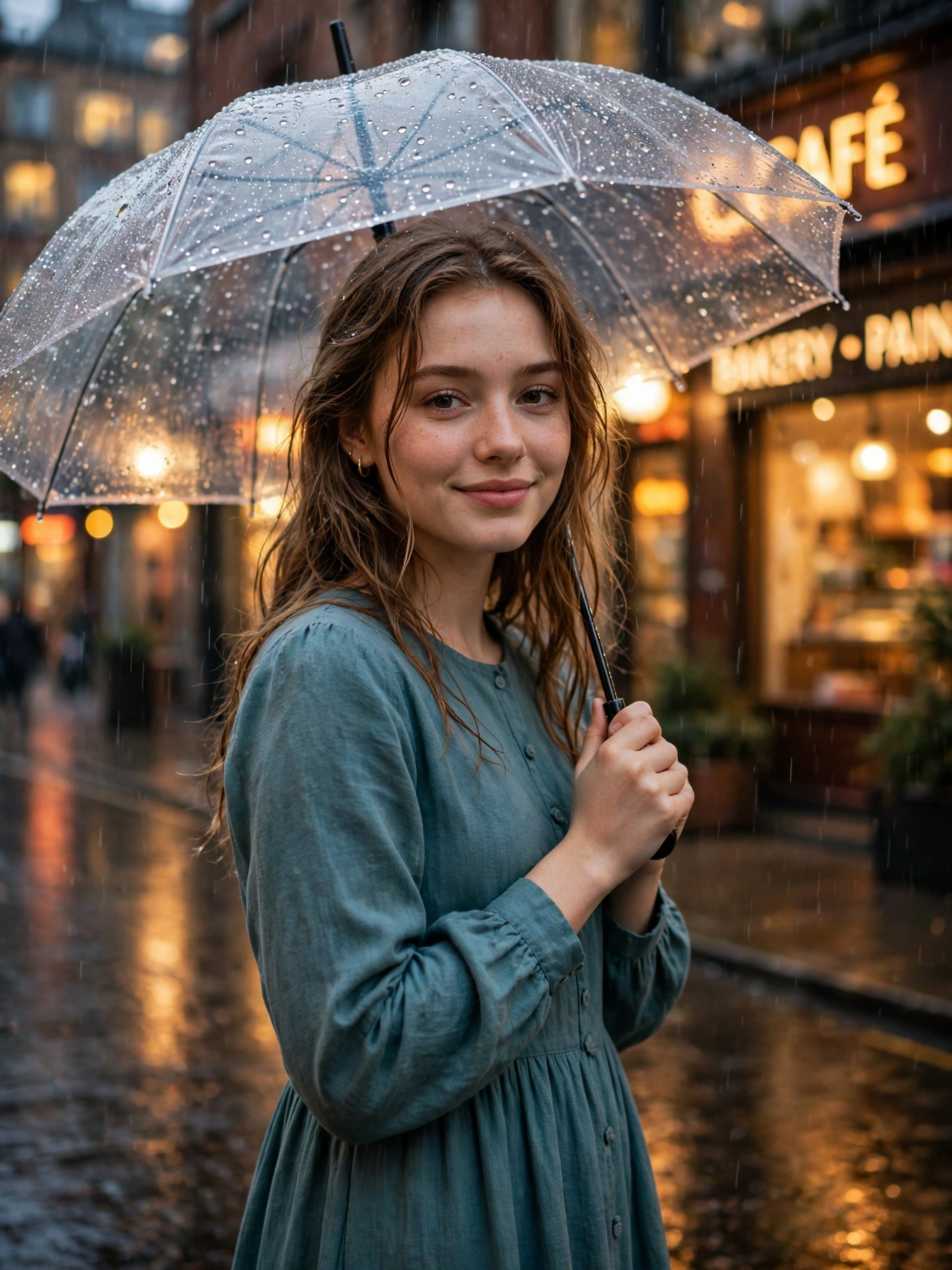
Rain on an evening street has a mood all its own. Shop signs glow warm through the drizzle, the pavement shines with reflections, and a clear umbrella catches tiny drops of light above you. It is a quiet, cinematic moment — soft, dreamy, and full of feeling — and it makes a portrait that looks like a frame from a film.
The prompt below builds that exact scene around one photo of you. A modest teal dress, a transparent umbrella, wet streets and warm city lights behind you. Your face stays exactly as it is; only the rain and the evening change. No real downpour, no wet clothes, no waiting for the weather — just the picture.
Getting Your Photo
Take your phone, open ChatGPT or Gemini, and choose one bright, clear photo of yourself with your face fully in view — no sunglasses, nobody else standing beside you. Paste the prompt above together with your photo and send it off. A few seconds later your rainy street portrait is ready to save at full quality and post anywhere. If the face looks unlike you, try a clearer, closer photo; a bright daylight picture always gives the most natural result.
Why the Scene Works
Rain does half the work in this portrait. The wet pavement mirrors the city lights and doubles their glow, while the clear umbrella frames your face with tiny drops of light instead of hiding it. Warm shop signs behind you melt into soft bokeh, so your gentle smile becomes the brightest thing in the frame. That mix of cool rain and warm light is what gives the picture its calm, cinematic feel.
The first sentence of the prompt matters most here. It tells the AI to leave your face alone, so the finished image still shows you — only the umbrella, the street and the rain are new. Without that guard, the AI often hands back a stranger’s face.
Three Ways to Change It
- Dress colour: try “soft dusty pink dress” or “deep navy dress” instead of soft teal, for a different evening mood.
- Umbrella: try “a deep red umbrella” instead of a clear one, for a bold pop of colour against the rain.
- Street: try “a quiet old bazaar lane in the rain” instead of a city street, for a softer, more nostalgic version.
Change a single detail per try. When several things change at once, you cannot tell which one made the photo better.
From Still Photo to Short Clip
A short clip earns far more views than a still picture. Once your portrait is ready, open your favourite AI video app, upload the photo, and ask for “fine rain falling gently, city lights shimmering on the wet street, very slow camera movement”. Keep the motion slow and soft — a hurried clip ruins a rainy mood. Five seconds is enough for a beautiful Instagram reel or Facebook story.
Before You Share It
Pick a photo where your face is straight and clearly visible, because blurry or very dark photos lead to weak results. Create the portrait two or three times, since small details shift with every try and one version is usually clearly the best. Keep the outfit modest and fully covered — the prompt is written that way on purpose, and it keeps the photo safe to share anywhere. Never delete the face-protection line at the start, because that line is what keeps your real face safe in the finished photo. And when the background looks too busy and takes attention from your face, add “soft blurred background” to the prompt and create it again.
More Prompts Like This
When rainy moods appeal to you, our Rainy Evening Cafe Window Portrait Prompt for Girls offers a cosy cafe scene with the same protection. When soft flower evenings appeal to you, our Lavender Field Golden Hour Portrait Prompt for Girls gives a dreamy purple look with the same protection. Fresh prompts land on Trends Prompt every day, so save this page and return tomorrow for the next one.